How to print a PDF from your phone without going to a shop
28 October 2026 · 4 min read
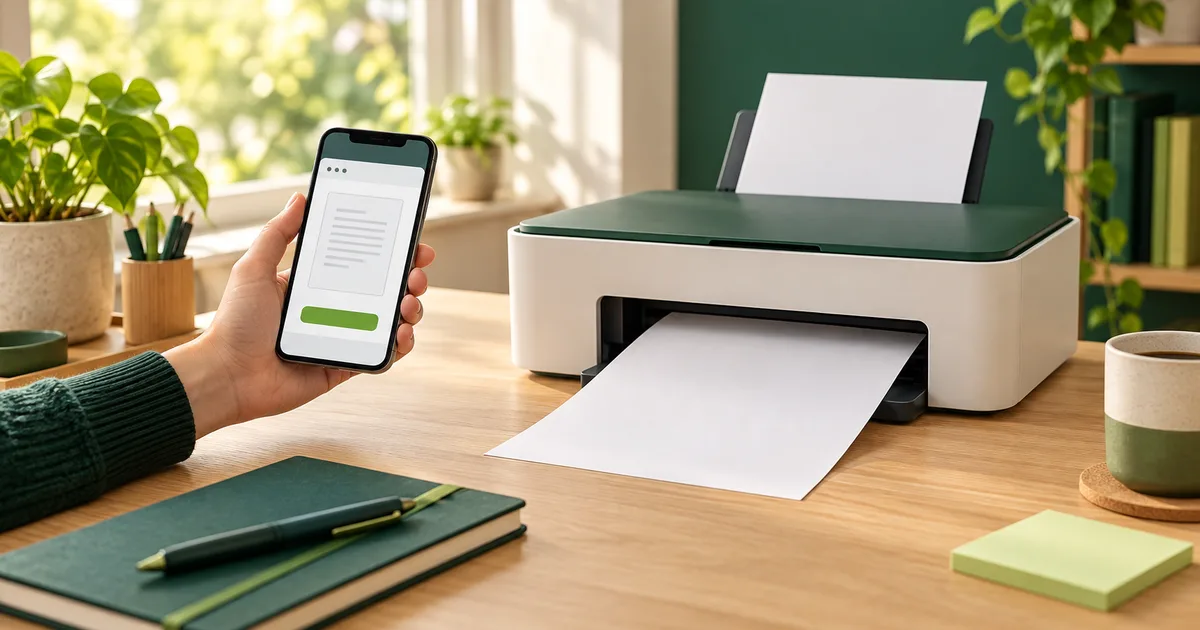
You do not need a laptop or a pen drive to print a PDF. Everything can be done from your phone in a few minutes.
Step by step
- Open the order page and upload your PDF. Word, PowerPoint and Excel files work too.
- Check the preview. Every page is shown, so you can spot a blank page or a cut off table before it prints.
- Choose colour or black and white, single or double sided, and the number of copies.
- Add binding if you want it, such as spiral for a report.
- Pay by UPI, card or netbanking, then choose pickup or doorstep delivery.
Tips for a better printout
- Print only the pages you need by entering a page range.
- Use double sided printing for long documents. It halves the paper and usually the cost.
- Use Mixed colour when only a few pages have charts or photos.
- Choose A4 unless your document says otherwise.
How long does it take?
We print and pack your order, then send it by courier. Delivery usually takes 2 to 7 working days depending on your state, and Express delivery is faster where it is offered. Shop pickup is free.
Print a PDF now
Upload from your phone and see the exact price before you pay.