Google review QR stand: how shops in India get more reviews
2 November 2026 · 5 min read
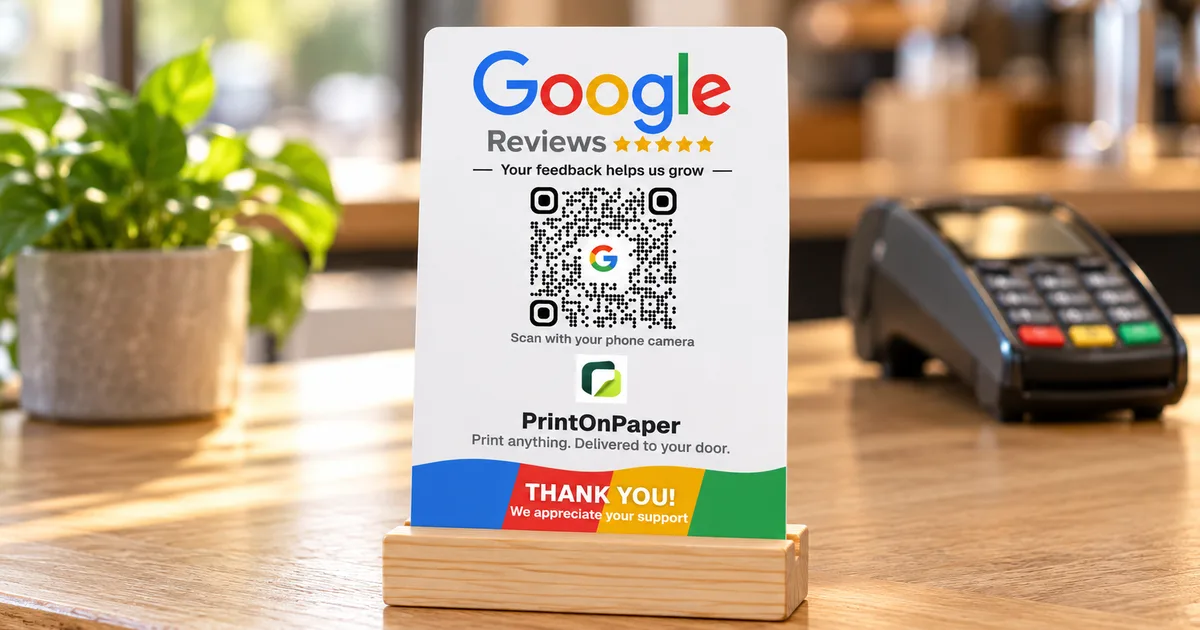
Most happy customers never leave a review. They do not dislike you. They simply do not think of it, and searching for your shop on Google Maps takes too many taps. A QR stand on the counter removes those taps: one scan opens your review form with the stars ready to tap.
This guide covers how the stand works, how to get the right link, and the small things that decide whether people scan it.
What a review QR stand is
It is a printed card, usually 9×14 cm, standing in a small wooden or acrylic base. The card carries your business name, a short line such as "Your feedback matters", and a QR code. When a customer points their phone camera at the code, Google opens the write-a-review screen for your business.
Ours also come with a tracked link. The QR opens a short PrintOnPaper link that forwards to your review page. That lets you see how many people scanned it and lets you change the destination later without printing again.
Find your Google review link
- Open Google Business Profile on your phone, or search for your business name on Google while signed in as the owner.
- Tap Ask for reviews (sometimes shown as Get more reviews or Share review form).
- Copy the link. It usually starts with g.page/r/ and ends in /review.
- Paste it into the QR maker. We check that it is a real Google link before printing.
Where to put the stand
- On the billing counter, facing the customer, right where they wait for change or a receipt.
- On restaurant tables, next to the menu or the bill folder.
- At the waiting area of a clinic, salon or service centre, where people already have their phone out.
- Not behind glass or high on a wall. A QR should be at hand height, within arm's reach.
Ask, then point
A stand works far better when someone mentions it. A simple line at billing is enough: "If you liked it, a Google review helps us a lot. Just scan this." Ask when the customer is pleased, for example after a good meal or when they pick up finished work, not while they are waiting.
Keep it honest. Google's rules do not allow offering discounts or gifts in exchange for reviews, and they do not allow asking only happy customers. Ask everyone in the same simple way.
Wooden block, round base or acrylic?
All three hold the same kind of printed card. A wooden block looks warm and suits cafés, bakeries and boutiques. The round wooden base is softer and looks good on smaller tables. A clear acrylic stand looks clean in clinics, offices and showrooms. Our stand price includes the wooden base, so pick the style you like.
Add Instagram or WhatsApp on the same card
If you also want followers, a two-in-one card puts Google and Instagram side by side, each with its own QR. Customers pick the one they want, and you see scans for each separately.
Design your QR stand
Add your link, pick a card, wooden stand or acrylic stand, and turn it in 3D before you order.